
Add Your LVGL Design
Export from the designer and merge LVGL + display config into your working device YAML.
Coming from Chapter 2?
Your screen is showing "Hello, LVGL!". Wiring, display driver, and LVGL stack are all proven. All we're doing now is swapping that one-label placeholder for your real design.
Phase 1 of 2
Export your design
Open your design in the LVGL designer and grab the YAML - one click copies everything to your clipboard.
Go to lvgl.espboards.dev and open your project. You should see your widgets laid out on the canvas - sliders, buttons, labels, whatever you designed.
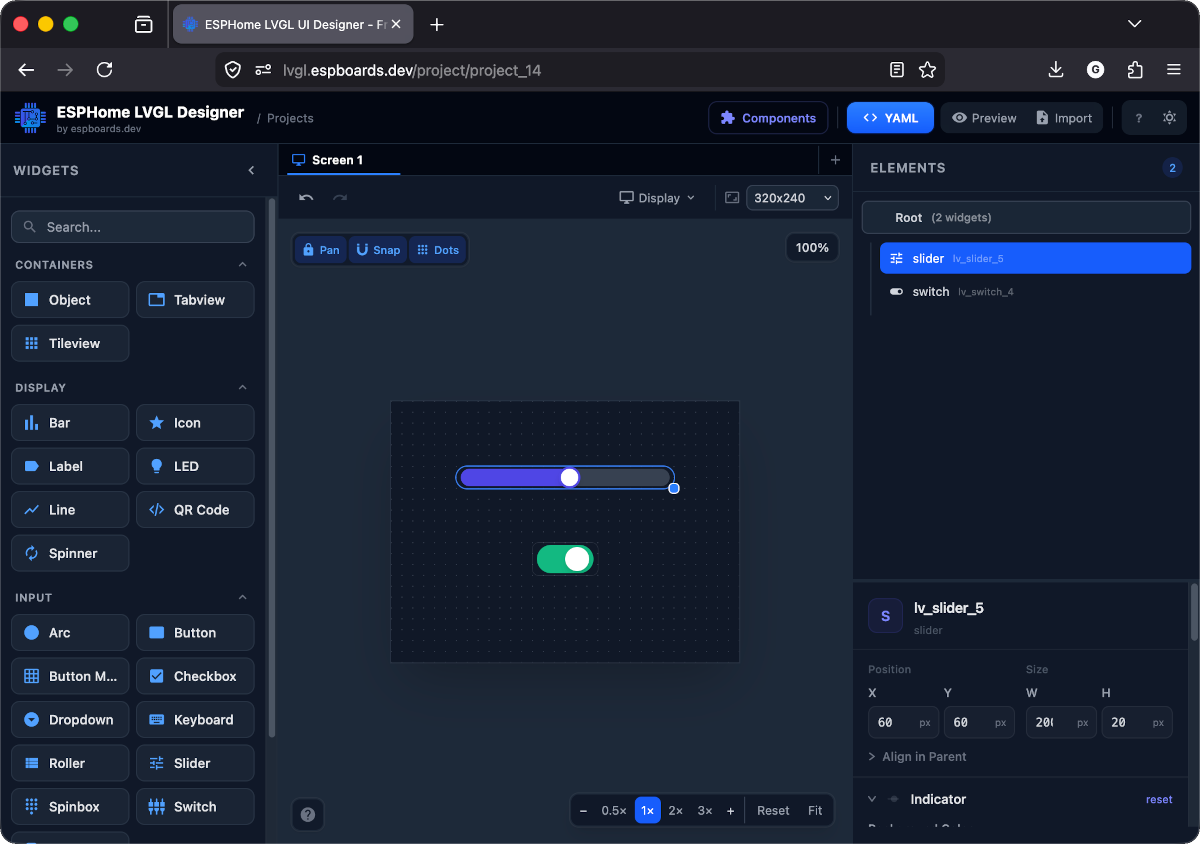
The left panel shows available widgets, the centre is your canvas, and the right panel shows the element tree + properties for the selected widget.
It's the blue button in the top-right toolbar of the designer. An "Export YAML" dialog opens showing your entire design as ESPHome-ready YAML.
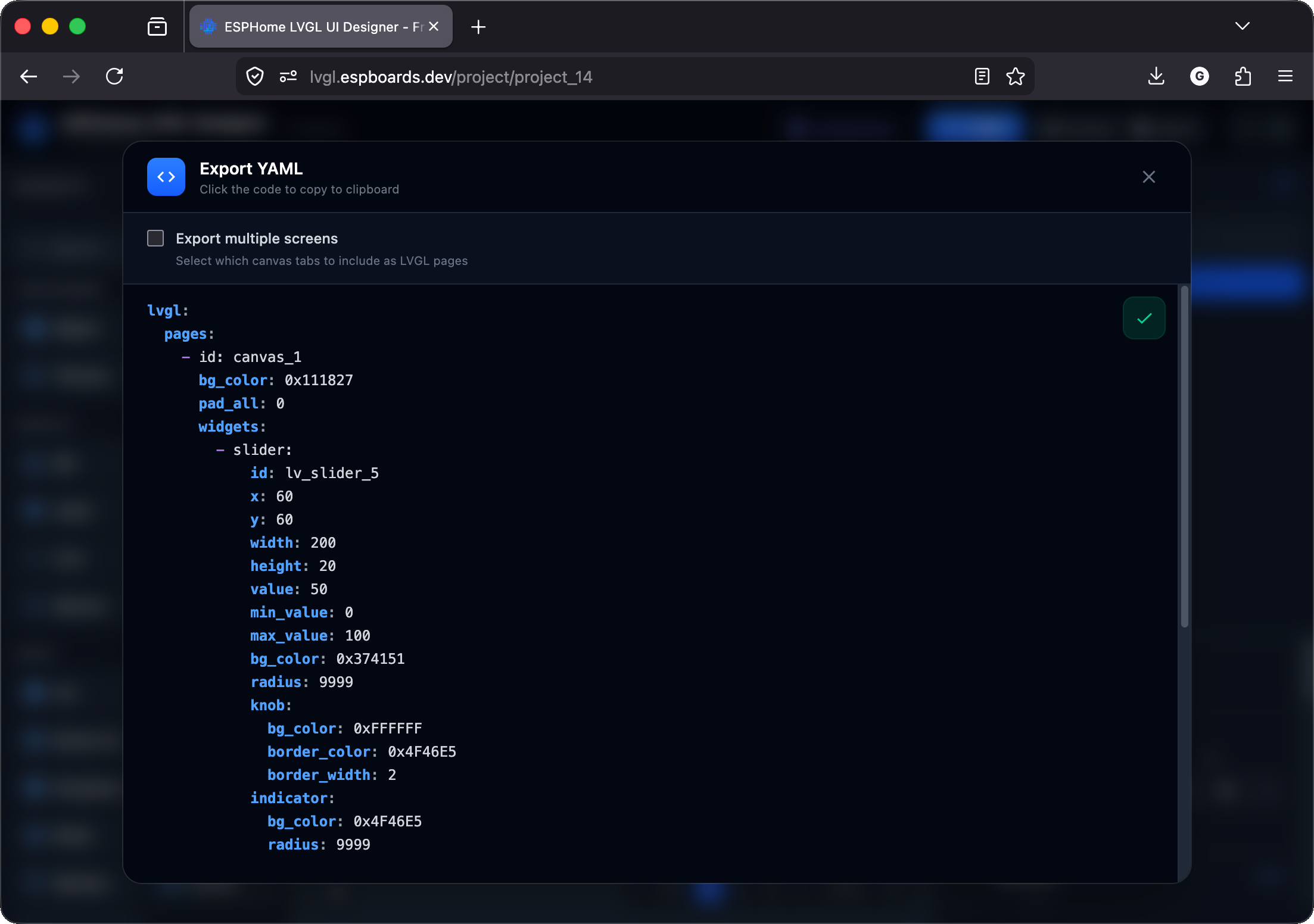
Click anywhere on the YAML code - it copies to your clipboard automatically (you'll see the green ✓ checkmark). That's your entire design: pages, widgets, positions, colors, styles - everything in one block.
Here's the YAML from the design above (a slider + a switch). Yours will look different depending on what you designed - but the structure is the same.
lvgl:
  pages:
    - id: canvas_1
      bg_color: 0x111827
      pad_all: 0
      widgets:
        - slider:
            id: lv_slider_5
            x: 60
            y: 60
            width: 200
            height: 20
            value: 50
            min_value: 0
            max_value: 100
            bg_color: 0x374151
            radius: 9999
            knob:
              bg_color: 0xFFFFFF
              border_color: 0x4F46E5
              border_width: 2
            indicator:
              bg_color: 0x4F46E5
              radius: 9999

        - switch:
            id: lv_switch_4
            x: 130
            y: 130
            width: 60
            height: 30
            state:
              checked: true
            bg_color: 0x4B5563
            bg_opa: 0%
            indicator:
              bg_color: 0x10B981
            knob:
              bg_color: 0xFFFFFF
              border_color: 0x9CA3AF
border_width: 1lvgl: block - your widgets, colors, sizes, and positions. It does not include Wi-Fi, display drivers, or any device config. That's all still in your file from Chapter 2. Got a different display?
Your CH2 display: block is already correct for your hardware - leave it alone. For a deeper dive, see Display Drivers.